Local creative studio

Alarih Studio

Create your videos and images, locally, with no compromises

An AI-powered tool for generating visual content and marketing campaigns that runs entirely on your machine. Your data stays with you, and your creations keep their soul.

Features

A complete creative suite

Two modes designed to fit your workflow, from a single visual to a fully edited video project.

Studio Mode

Generate images and videos on demand with preset styles: cinematic, photorealistic, illustration, motion design.

Workflow Mode

From an article or a piece of text, produce a complete video with summary, storyboard, voice-over and automatic editing.

100% local

All generation runs on your machine. No data sent to the cloud, no credits consumed.

Native performance

A native application installed on your machine, optimized to make the most of your GPU. Fast generation, high-resolution exports.

Inside Alarih Studio

An interface built for creators

A look at the tools that make up Alarih Studio, designed to stay intuitive even on the most complex workflows.
01

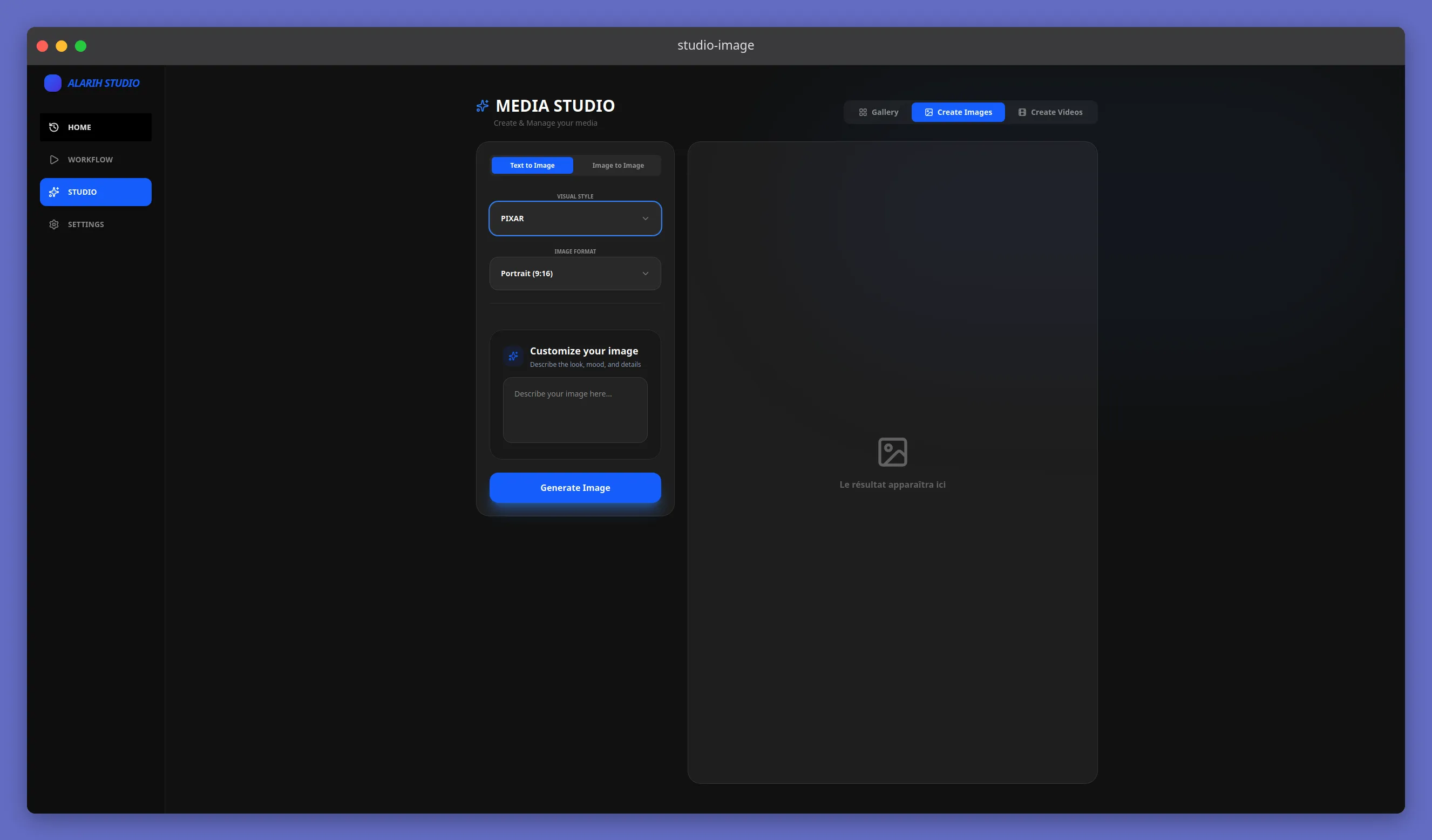
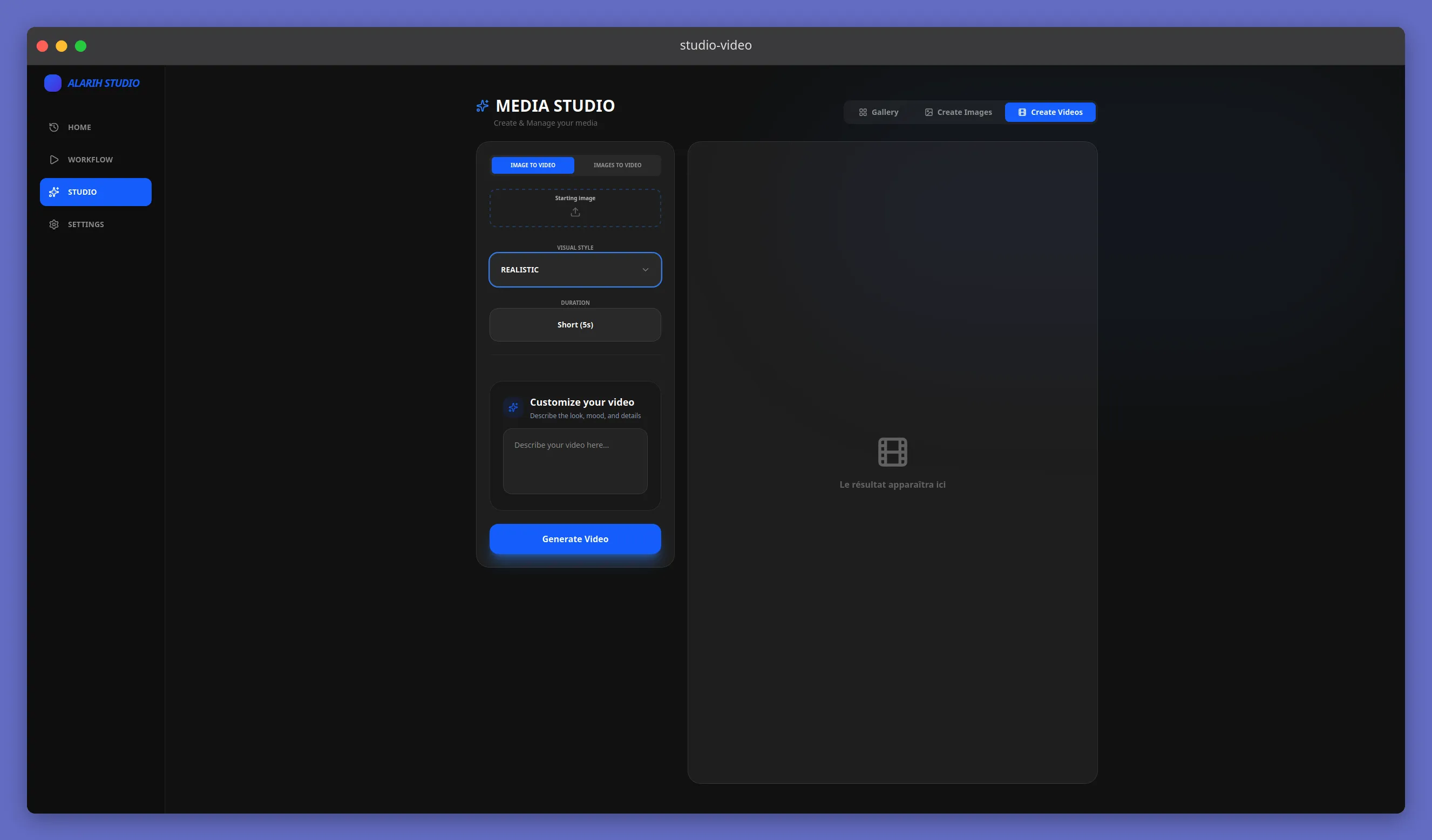
Studio Mode: create in a few clicks

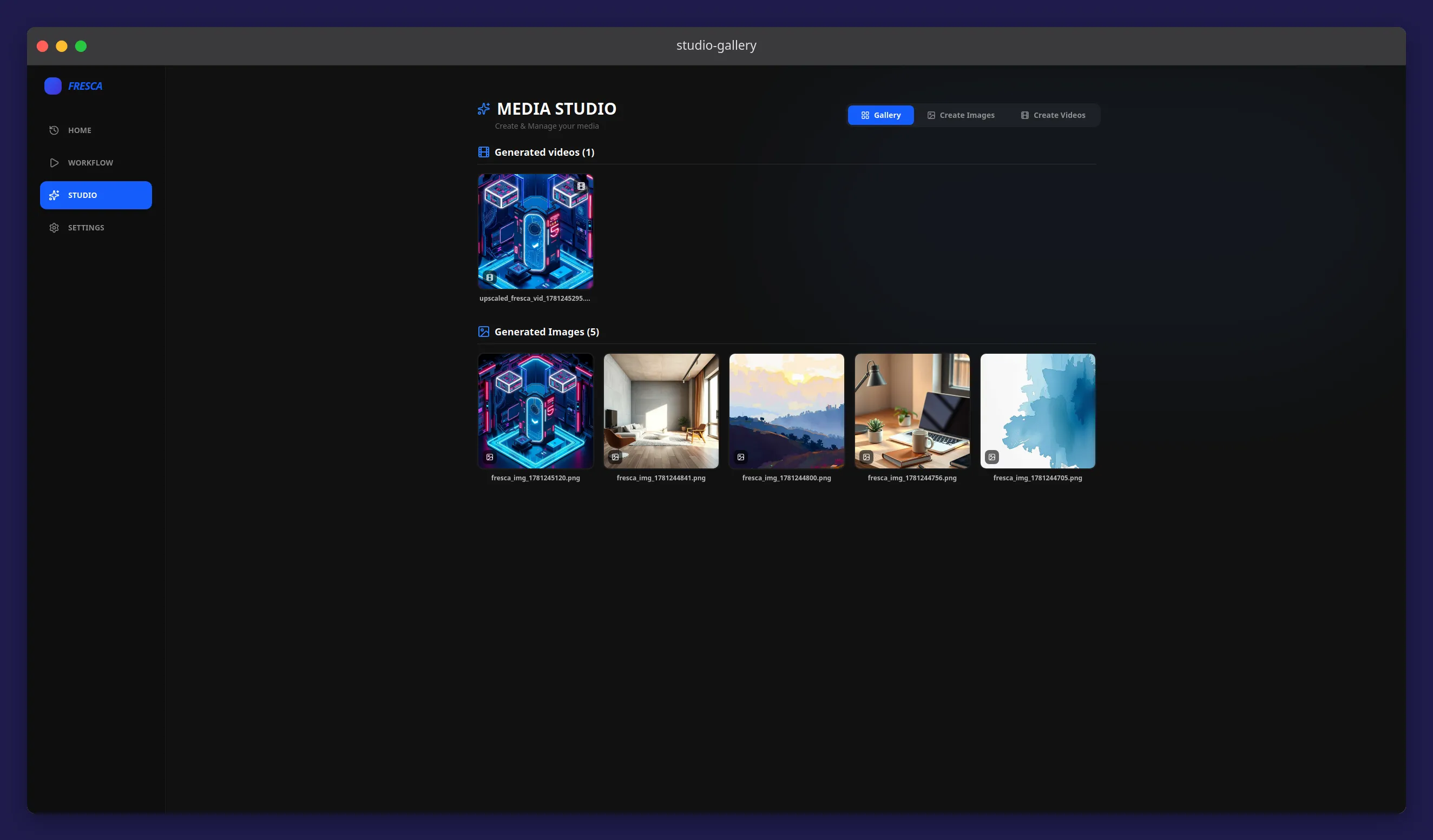
Choose a style, tweak a few settings, and generate your images and videos. A clean interface that gets to the point without wasting time on configuration.
  • Visual style selector with preview
  • Generate from a text description, or from an image paired with a description
  • High-resolution generation and export
02

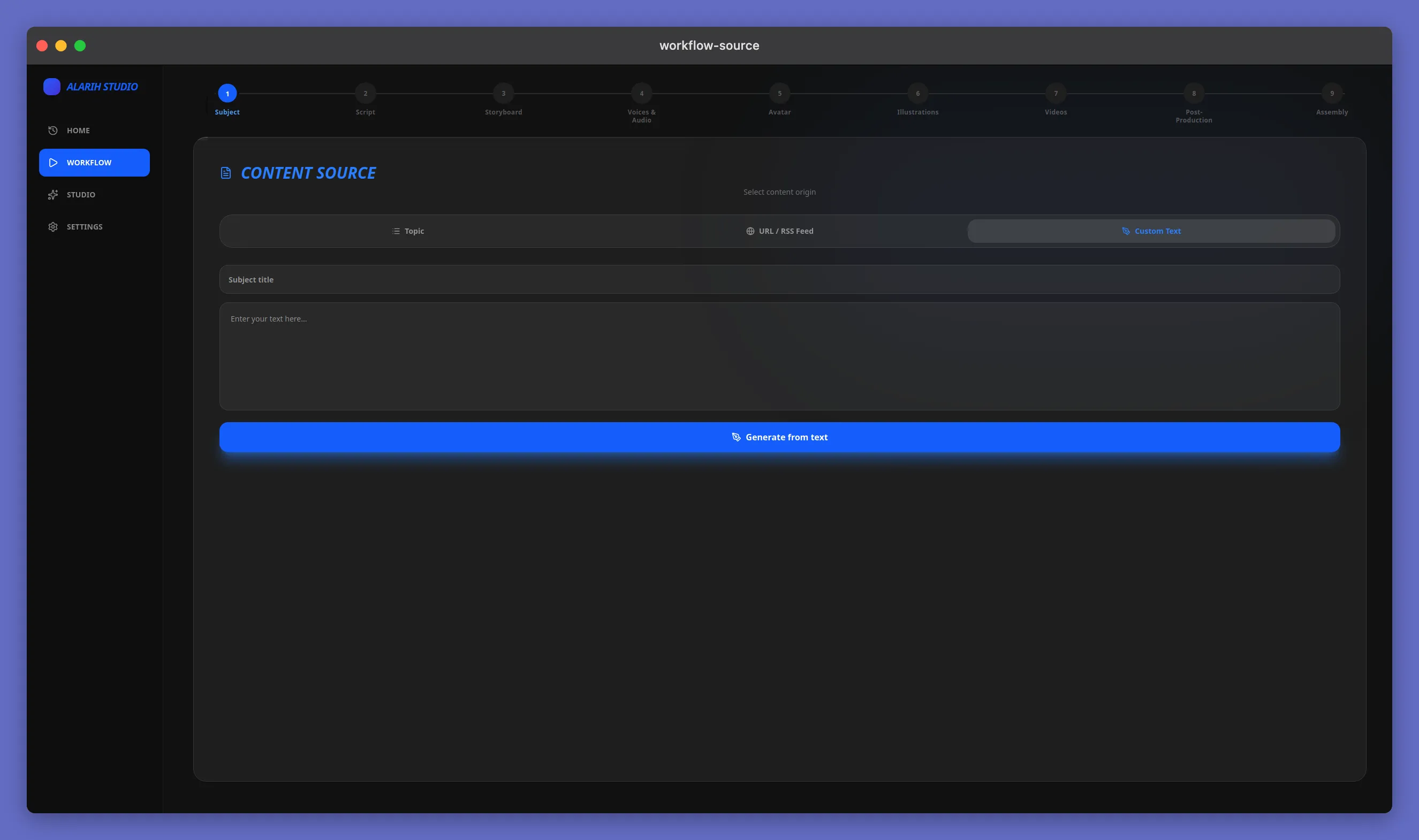
Workflow Mode: from idea to edit

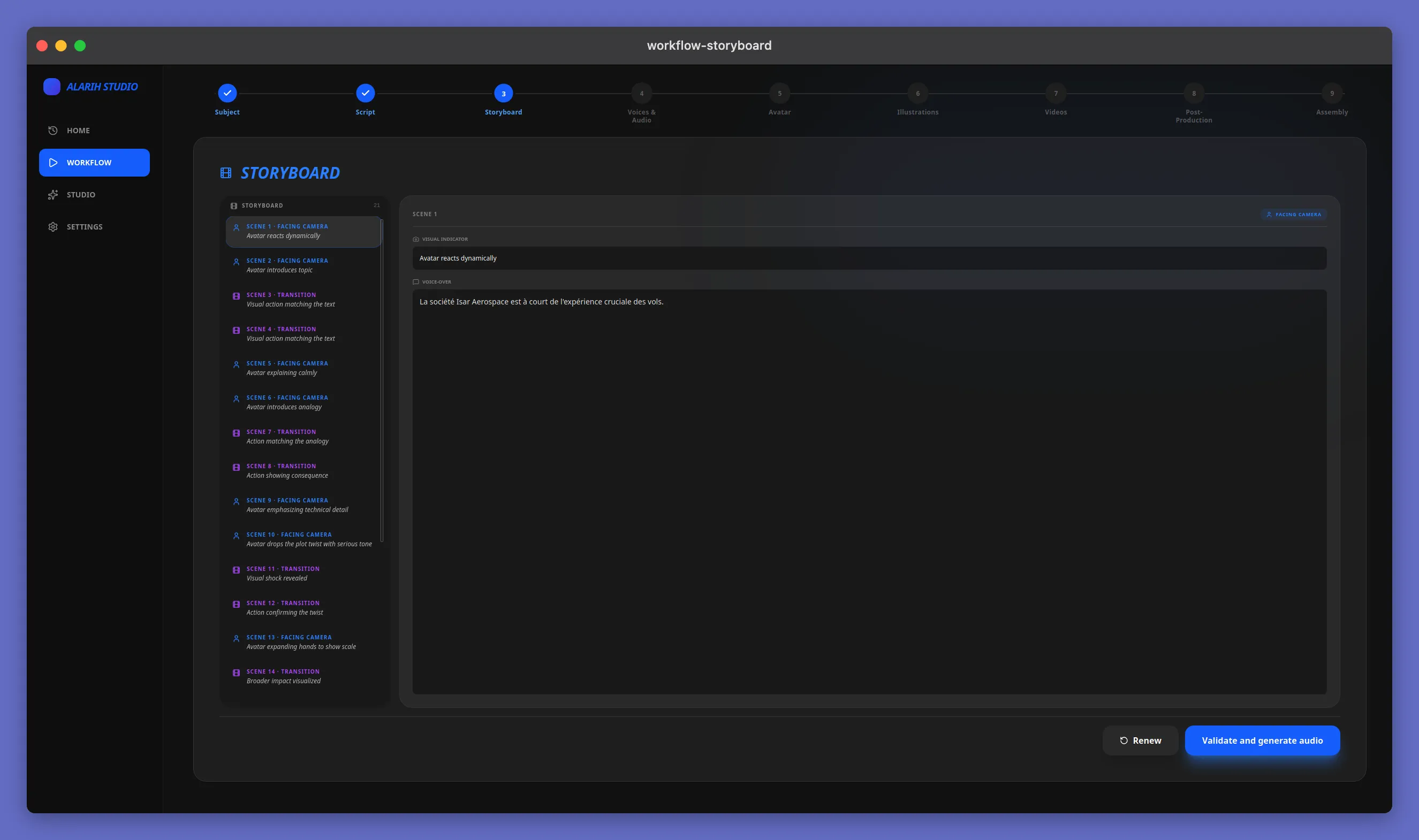
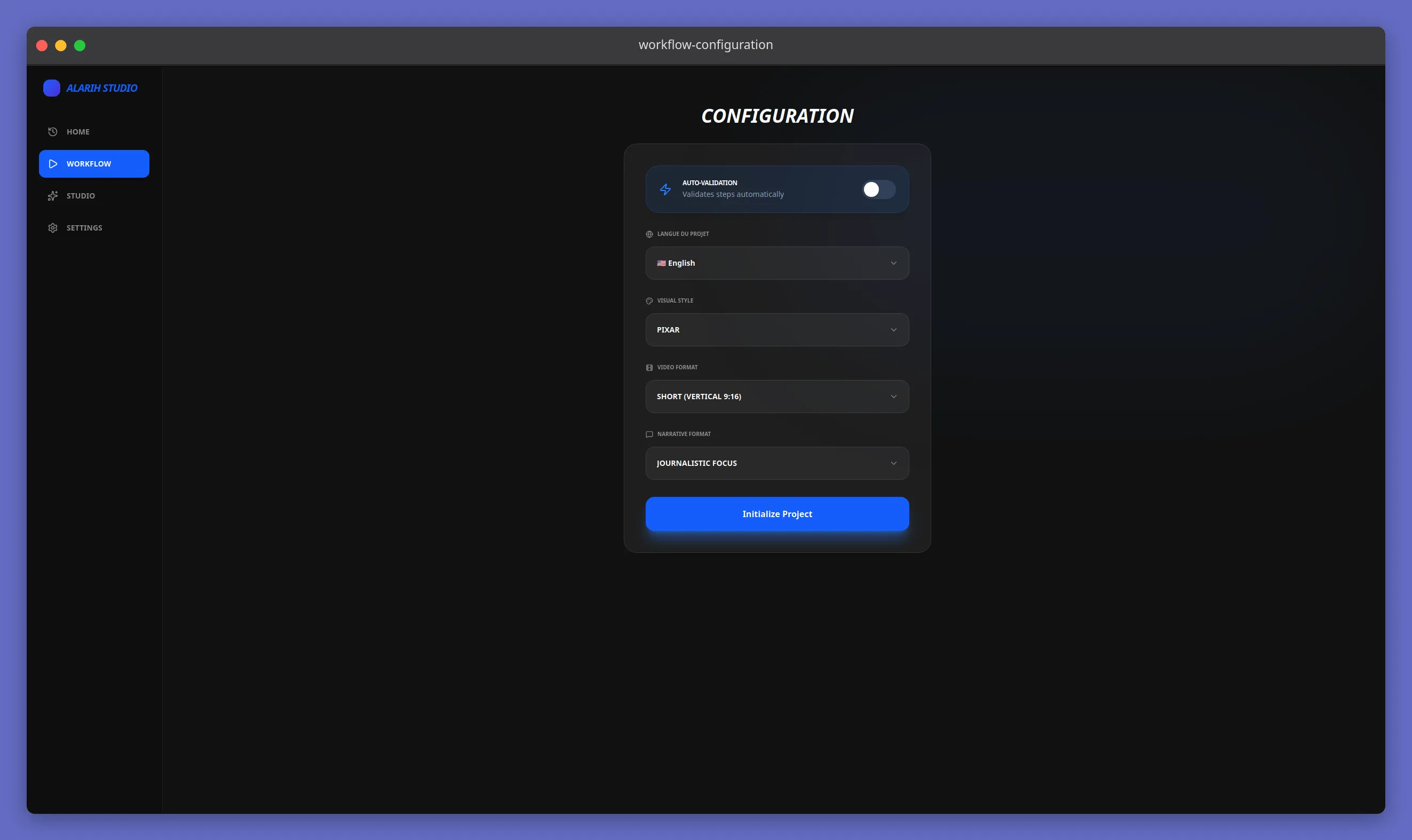
Import an article or raw text, and let Alarih Studio orchestrate every step. You keep control at each key point without any technical work.
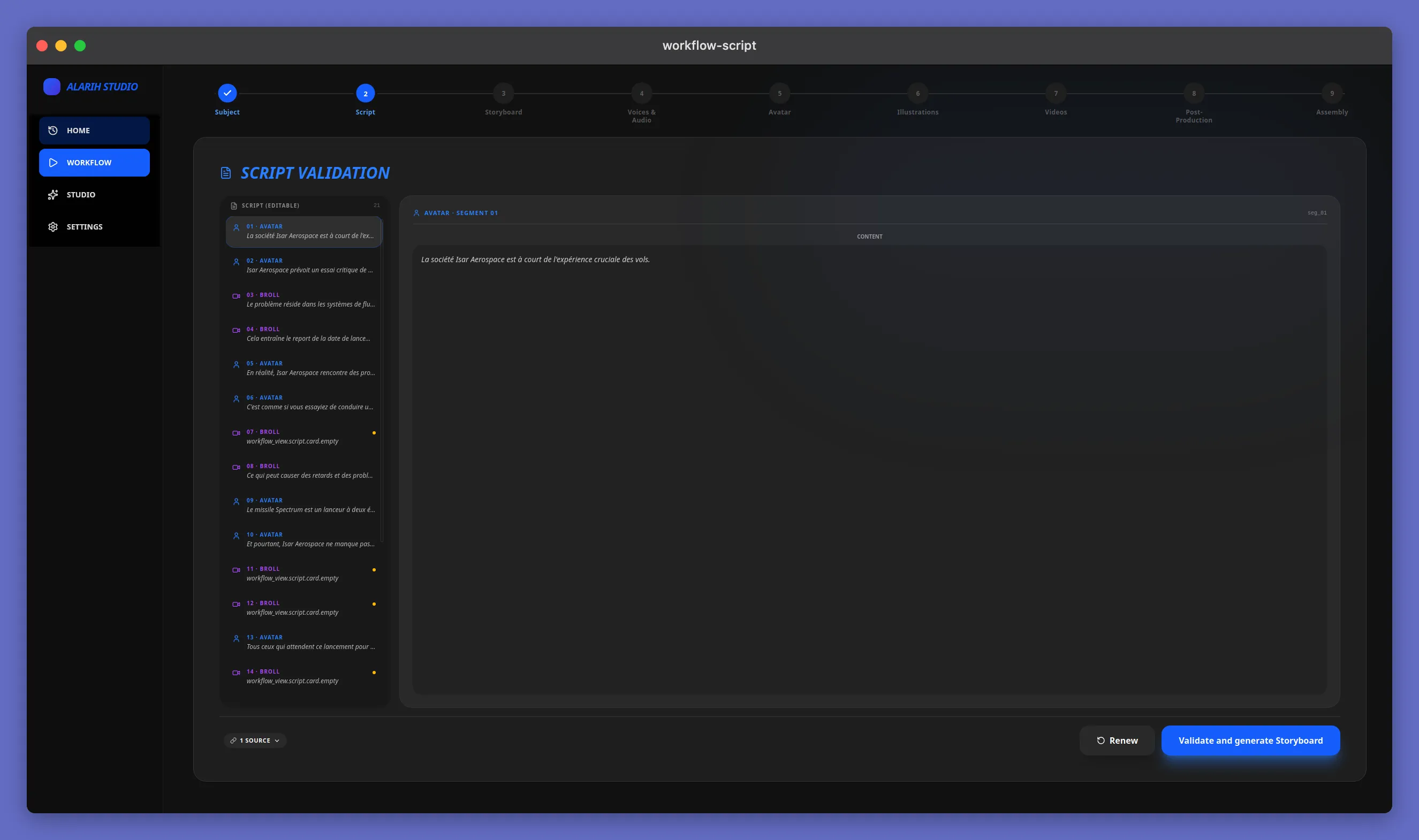
  • Automatic summary with optional manual editing
  • Generated storyboard, editable scene by scene
  • Voice-over synthesized in multiple languages
03

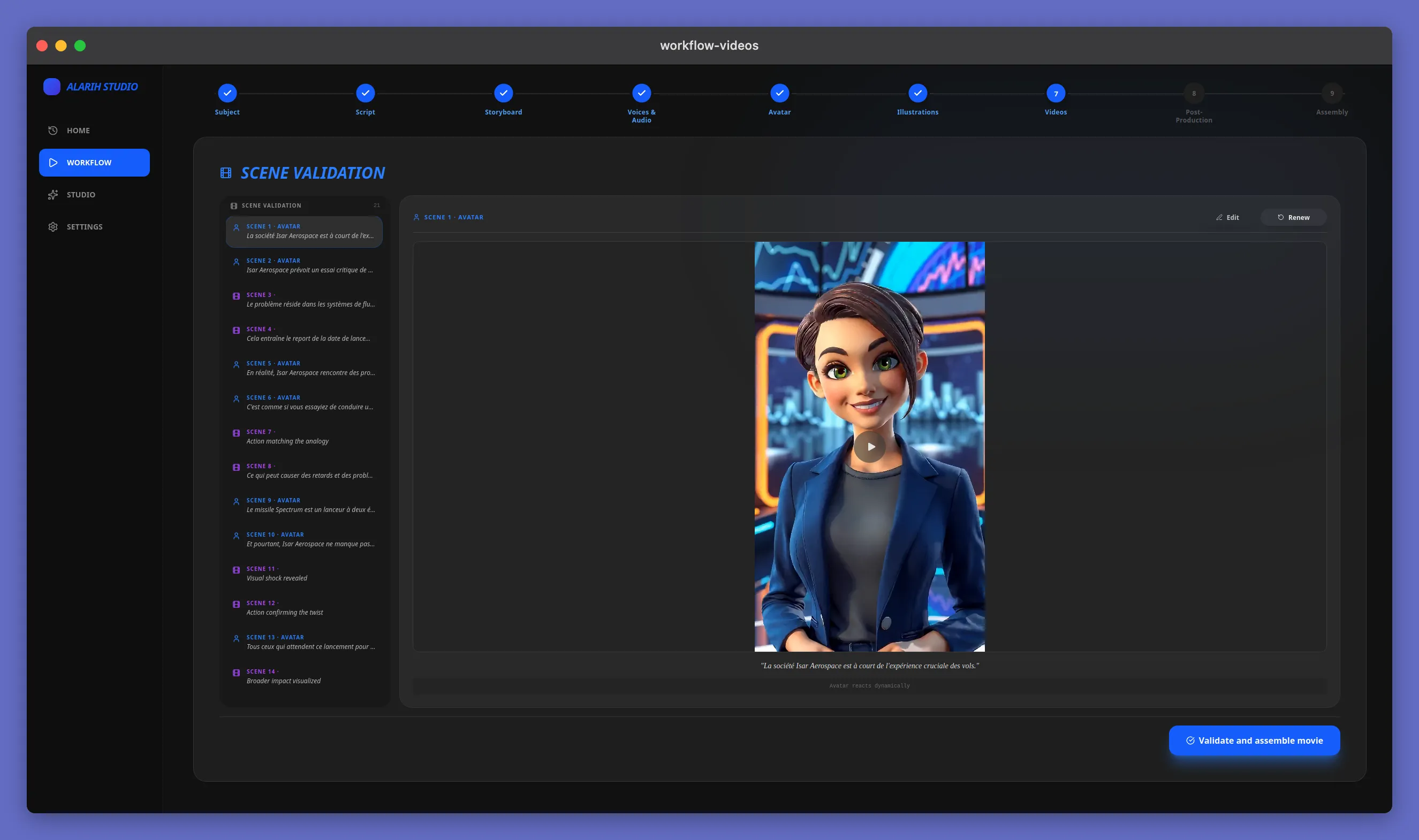
Built-in storyboard editor

Adjust each shot visually, edit the prompts and the visual rendering. The editor stays smooth even with dozens of scenes.
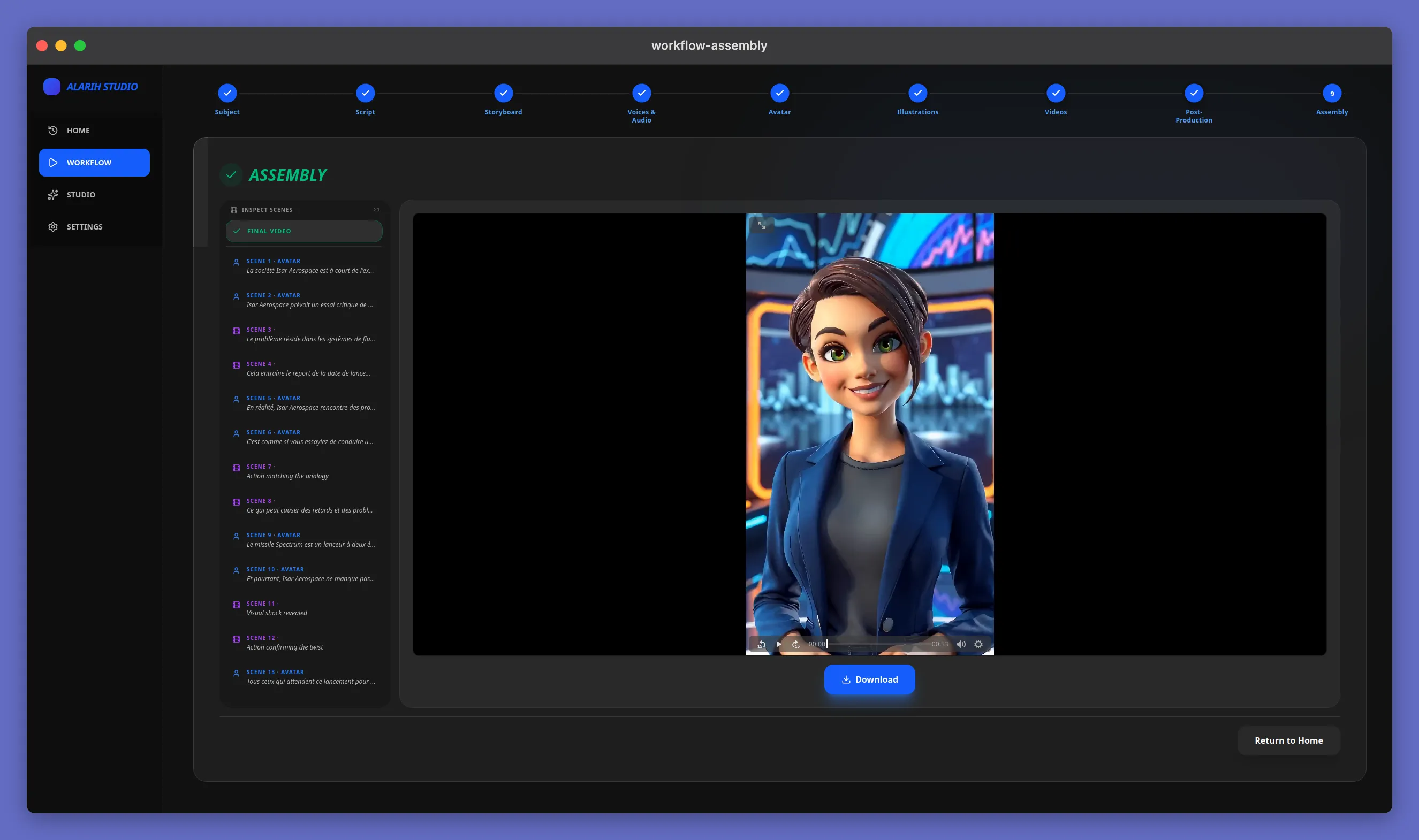
  • Fine-tune every scene
  • Regenerate images and videos
  • Edit from any step of the workflow
Donwload directyl after the assembly process
04

Professional exports in one click

Once the edit is approved, export in high resolution in the format of your choice. Compatible with the main use cases: social media, presentations, archiving.

  • 16:9, 9:16, 1:1, 4:5 formats
  • Resolutions up to 2K
  • Keep every generation step, not just the final render
Smart workflow

From article to video, in one flow

Six steps orchestrated automatically to turn a simple text into a ready-to-publish video.

Article
Summary
Storyboard
Voice-over
Generation
Video editing
Pricing

One license, everything included

The longer you commit, the more you save. No hidden credits or surprises.

Launch offer

Alarih Studio License

All the power of Alarih Studio, on your machine.

Best offer
Reference price: €29.99
€23.99 / month
-20%
€359.88 €287.88
Save €72

Included in every plan

  • Unlimited Studio Mode
  • Unlimited Workflow Mode
  • All styles included
  • Multilingual voice-over
  • Updates included
  • Installation on 1 machine
  • Priority support
  • Early access to new features

Demo access during the launch phase. Reserve your preferential price today, before the move to the licensed version.

Download

Coming soon to your platform

Install Alarih Studio on your machine and start creating. A valid license key unlocks all features.

Soon

Windows

Windows 10/11 — 64-bit (x64)
Soon

macOS

macOS — Apple Silicon
Soon

Linux

Ubuntu 22.04+ / Fedora 38+ — 64-bit (x64)
Performance

From request to video, without ever maxing out your Mac

Alarih Studio understands your request, then creates the video — without a single piece of data ever leaving your machine.

  1. 16 Go 11 Go · ~90 %

    M1, M2, M3, M1 Pro, M4, M5

  2. 32–36 Go 22 Go · ~89 %

    M2 Pro, M3 Pro, M1 Max

  3. 48 Go 22 Go · ~59 %

    M4 Pro

  4. 64 Go 22 Go · ~44 %

    M1 Max, M2 Max, M3 Max, M4 Max, M5 Max

More power, less waiting

Graphics power sets the pace of creation.

Up to 7× faster
  • Mac M1 — 16 GB : 23,3 min
  • Mac M2 — 16 GB : 16,2 min
  • Mac M3 — 16 GB : 14,4 min
  • Mac M1 Pro — 16 GB : 13,3 min
  • Mac M4 — 16 GB : 12,7 min
  • Mac M5 — 16 GB : 9,7 min
  • Mac M2 Pro — 32 GB : 8,5 min
  • Mac M3 Pro — 36 GB : 8 min
  • Mac M1 Max — 32 GB : 7,8 min
  • Mac M4 Pro — 48 GB : 6,3 min
  • Mac M1 Max — 64 GB : 5,8 min
  • Mac M2 Max — 64 GB : 4,3 min
  • Mac M3 Max — 64 GB : 3,6 min
  • Mac M4 Max — 64 GB : 3,2 min
  • Mac M5 Max — 64 GB : 2,4 min
More power, less waiting
  1. 16 Go 9,7 – 23,3 min

    M1, M2, M3, M1 Pro, M4, M5

  2. 32–36 Go 7,8 – 8,5 min

    M2 Pro, M3 Pro, M1 Max

  3. 48 Go 6,3 min

    M4 Pro

  4. 64 Go 2,4 – 5,8 min

    M1 Max, M2 Max, M3 Max, M4 Max, M5 Max

Roadmap

Our trajectory

A roadmap built with and for our creative users.

  1. Milestone01 Shipped

    Foundations

    • Demo launch in Studio mode
    • First preset styles and a built-in generation assistant
    • Compatible with Macs starting at 16 GB of RAM
  2. Milestone02 In progress

    Smart workflow

    • Workflow mode: fine-grained control over generation for flawless product staging
    • A redesigned engine that stays smooth even on modest hardware
  3. Milestone03 Planned

    For everyone

    • Save and reuse your workflow templates in one click
    • Linux & Windows compatibility
    • Nvidia, AMD and Intel GPU support
  4. Milestone04 Planned

    Augmented creativity

    • New styles to multiply your creative possibilities
    • Automatically generated music and sound effects
    • Fully customizable styles and workflows
  5. Milestone05 Planned

    Performance & optimization

    • Optimized SLM models for more speed, fewer resources
    • Even faster, smoother video generation
  6. Milestone06 Planned

    Ecosystem

    • A ready-to-use marketplace of styles and workflows
    • APIs and plugins to connect Alarih Studio to your ecosystem

A question about Alarih Studio?

Our team is available to discuss your use case, set up a demo, or answer any technical questions.